2. Add groups and icons
Some axis of the Paramterspace might be related, for example all axis related to 'Sun hours'. In this case you can visually group them together.
- Go to the menu in your design and click edit parameterspace.
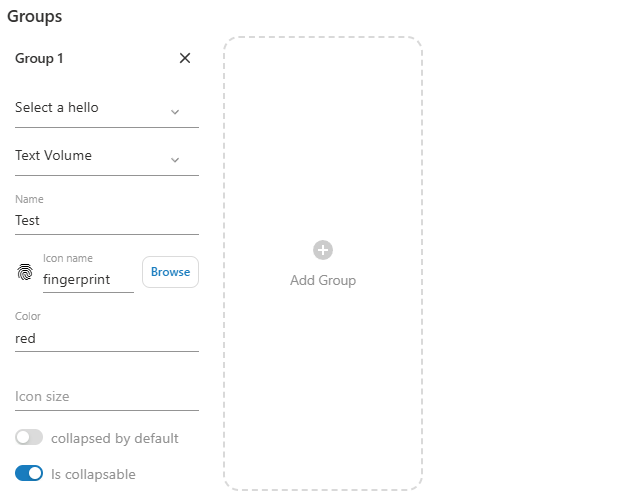
- Create a new group.
- Select the start axis and end axis based.
- Give a specific name and icon.
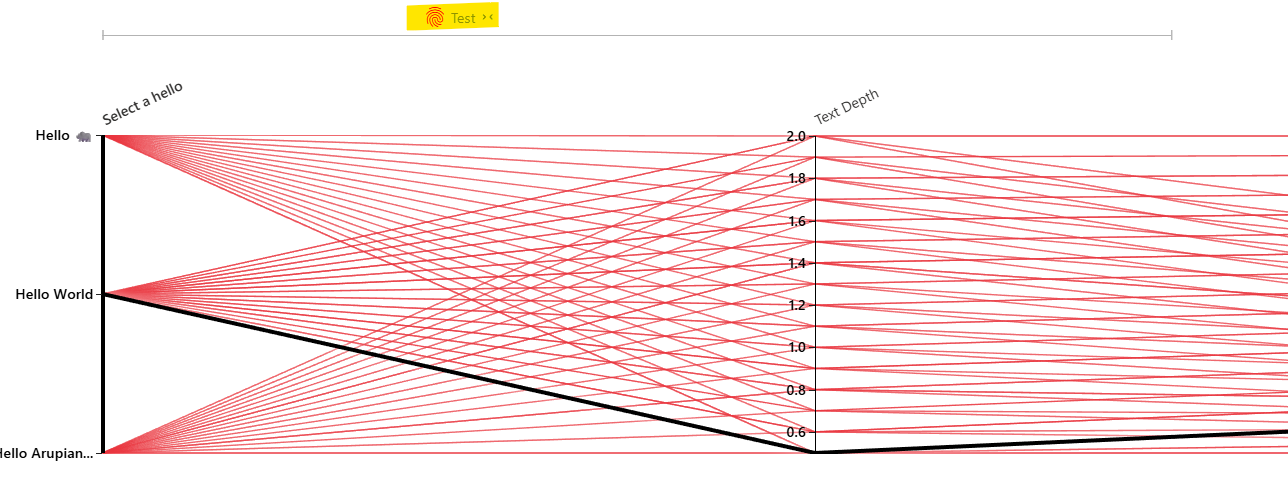
- After saving the edits you should see the group appear above the titles. By clicking on it you can collapse it.